How do you explain a complex product when your audience has little time or patience for a long explanation? Too many features can bury the main value, while technical language can make an otherwise useful product harder to understand.
That is where explainer videos can make a difference. They use visuals, narration, animation, or live action to simplify products, services, processes, and ideas. Businesses can use them to educate customers, support sales, explain products, and communicate their brand more clearly.
This article covers explainer video samples, the best explainer video examples, and different creative styles used by explainer videos for businesses. You’ll also learn key explainer video best practices and see what you can take from each example for your next project.
Key Takeaways
- Explainer video samples show how the right visual style can make products, services, and complex ideas easier to understand.
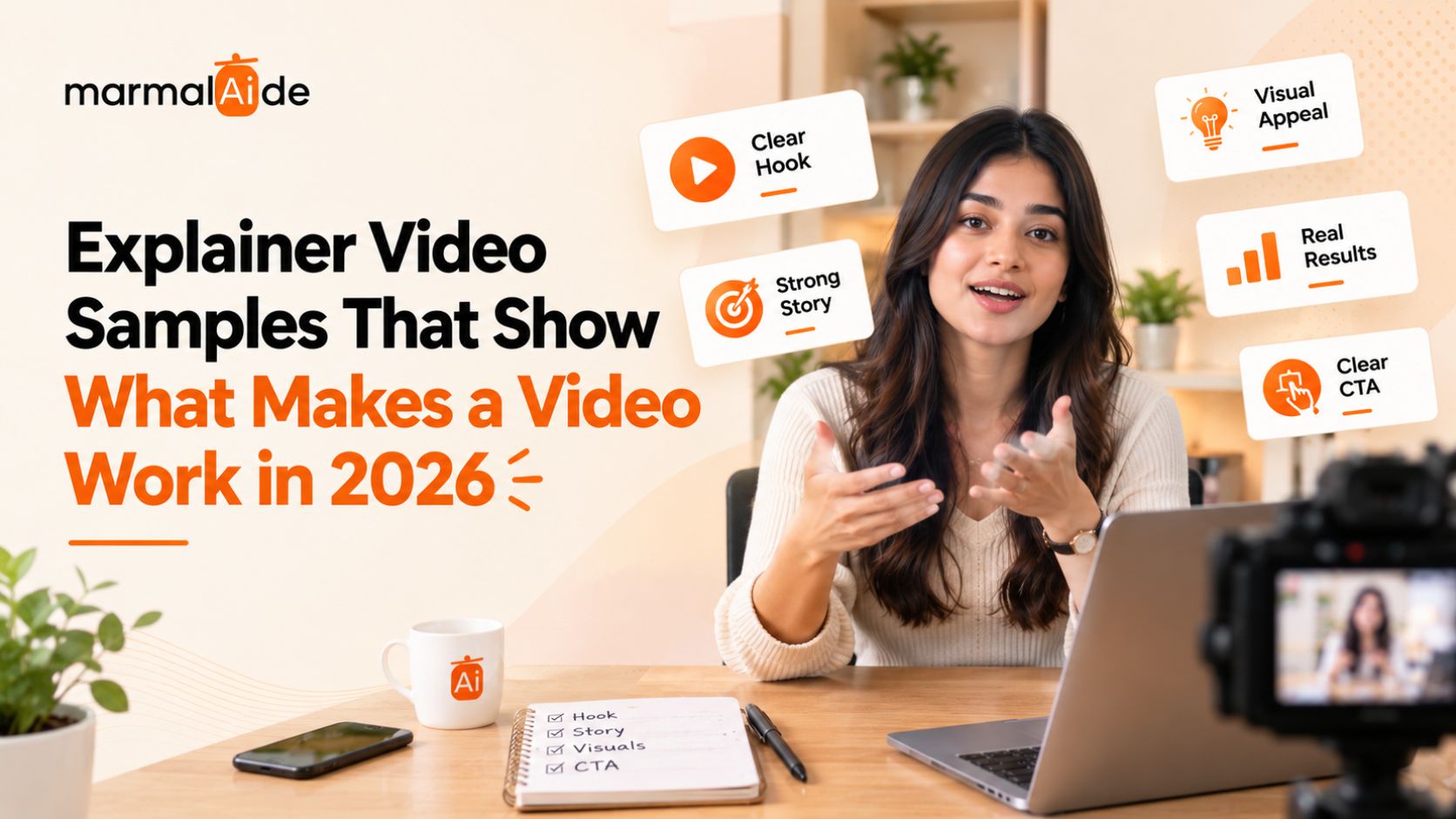
- The best explainer video examples use one clear message, a simple story, purposeful visuals, and a strong next step.
- Effective explainer video best practices include audience-focused scripts, clear demonstrations, natural narration, focused editing, and consistent branding.
- Short videos can be turned into multiple assets with different hooks, CTAs, audiences, and formats for wider campaign use.
- Marmalaide helps businesses create professional explainer videos and scale them into multiple branded video assets using filmmaker-led direction and generative AI.
What Is an Explainer Video and What Is It Used For?
An explainer video explains a product, service, process, or idea in a short, easy-to-follow format. Businesses use these videos to show how something works, explain its value, or answer a specific customer question. Explainer videos can simplify complex products, introduce new services, demonstrate features, and support customer onboarding. They can use animation, live action, screen recordings, motion graphics, voiceover, or a combination of these formats.
Common uses for explainer videos for businesses include:
- Product pages: Explain how a product works and highlight key features.
- Landing pages: Give visitors a quick understanding of the offer.
- Sales presentations: Help sales teams explain complex products or services.
- Customer onboarding: Show customers how to use a product or complete a process.
- Social media: Turn useful information into concise video content.
- Brand communication: Explain what a company does and who it serves.
The best explainer video examples make one message clear without adding information the viewer does not need.
What Makes a Great Explainer Video Sample?
A great explainer video sample explains one clear idea through a simple story, relevant visuals, and concise narration. Strong professional explainer video examples usually follow a problem-solution structure instead of listing features.
As you review professional explainer video examples, ask:
- Does every scene have a purpose? Each visual should help explain, demonstrate, or reinforce the main message.
- Is the message easy to follow? The strongest videos focus on one core idea instead of trying to explain everything at once.
- Does the narration feel natural? A clear, conversational voiceover can make even technical information easier to absorb.
- Does the pacing hold attention? Scenes should move at a steady pace, with transitions and animation used when they add meaning.
- Does the video feel like the brand? The tone, visuals, colors, and design should work together to create a consistent identity.
- Is the ending useful? A good explainer gives viewers a clear next step instead of simply stopping when the explanation ends.
These details are worth watching for in the best explainer video examples because they show how creative choices can make an explanation clearer, more engaging, and more memorable.
What Are the Different Explainer Video Styles?
Explainer videos use different formats depending on the message, product, and audience. Here’s a quick comparison of the most common styles:
| Explainer video style | Best suited for |
| 2D Animation | Brand stories, abstract concepts, and product explanations |
| 3D Animation | Products, technical concepts, and detailed processes |
| Motion Graphics | Data, features, processes, and business concepts |
| Whiteboard Animation | Educational content and step-by-step explanations |
| Live Action | Physical products, people, demonstrations, and real-world experiences |
| Screencast | Software demos, tutorials, product features, and onboarding |
| Kinetic Typography | Key messages, statistics, quotes, and text-led storytelling |
| Mixed Media | Complex stories that benefit from multiple visual formats |
Also Read: Best AI Video Ads Platforms
What Are the Best Explainer Video Examples to Inspire Your Next Project?
The strongest explainer video examples use a creative approach that matches what they need to communicate. Some simplify a product, while others rely on storytelling, humor, or demonstrations.
For product and platform explanations
- Monday.com: Uses animation to make a feature-rich platform easier to understand.
- Slack: Builds the explanation around a common workplace problem before introducing the product.
- Apple: Uses product visuals and demonstrations to explain features with minimal distraction.
- Amazon Go: Shows the shopping process in sequence, making an unfamiliar experience easy to follow.
For brand-led storytelling
- Airbnb: Centers the story on the customer experience rather than a list of features.
- Chipotle: Uses animation and narrative to communicate a wider brand message.
- Dollar Shave Club: Uses humor and personality to give a straightforward product a distinctive voice.
- Medium: Keeps the presentation simple so the platform and its value remain the focus.
The lesson across these professional explainer video examples is simple: choose the storytelling and visual style based on what the viewer needs to understand.
How Long Should an Explainer Video Sample Be?
Most explainer videos work well at 60–90 seconds, while simple messages can take 30–60 seconds and detailed tutorials may need more time. The right length depends on how much the viewer needs to understand. The table below shows different video lengths and what they are best suited for:
| Video length | Best for |
| 30–60 seconds | Simple products, single features, social content |
| 60–90 seconds | Product, service, and brand explainers |
| 90–120 seconds | Detailed products, processes, and technical concepts |
| 2+ minutes | Tutorials, onboarding, training, and complex subjects |
For short explainer video samples, the key is to remove anything that does not support the main message. Keep the script focused, move quickly between ideas, and give each scene a clear purpose.
Also Read: Best AI Video Production Services
What Are the Advantages of Explainer Videos for Businesses?
Explainer videos give businesses a faster way to communicate products, processes, and ideas that are difficult to explain with text alone. They can support both customer-facing and internal communication.
The main benefits are the following:
- Clarity: Visuals can show relationships, workflows, and product features that are difficult to describe.
- Demonstration: Screen recordings, animation, or live action can show exactly how a product or process works.
- Sales enablement: Sales teams can use a concise visual explanation before, during, or after a sales conversation.
- Customer education: Videos can answer recurring questions and explain unfamiliar features or processes.
- Onboarding: Step-by-step videos can help new users get started with less assistance.
- Content reuse: A single explainer can be adapted for websites, presentations, email, social media, and support content.
That makes explainer videos useful beyond marketing. A well-planned video can become a reusable business asset across the customer journey.
What Are the Key Explainer Video Best Practices?
The best explainer video samples start with a strong script, show the product or idea clearly, and cut anything the viewer does not need. Production choices should support the explanation rather than compete with it.
Here are the practices that matter most:
- Write for one audience: Use the language, examples, and level of detail your target viewer understands. Avoid trying to speak to everyone in one video.
- Build the script before the visuals: Finalize the message and narration first. This gives the animation, footage, and editing a clear purpose.
- Show the product in use: Demonstrate the feature, workflow, or outcome wherever possible. A viewer should not have to imagine how it works.
- Use visuals to add information: Do not simply repeat the voiceover with on-screen text. Let the visuals demonstrate, simplify, or reinforce the point.
- Keep transitions invisible: Move between scenes naturally. Effects should support the story, not draw attention to the editing.
- Edit for information density: Remove repeated explanations, unnecessary examples, and scenes that do not help the viewer reach the main point.
- Make the CTA part of the story: Connect the final action to what the viewer has just learned instead of adding a generic sales message at the end.
The goal is simple: every word, frame, and transition should help the viewer understand the message.
Also Read: Best AI Creative Agencies
How Can You Create More Explainer Video Content With Marmalaide?
Marmalaide creates explainer videos for businesses using filmmaker-led direction and generative AI. The team develops the concept, writes the script, produces the video, and handles editing and quality review, so businesses can take an explainer from brief to finished asset through one production workflow.
Marmalaide can help you create:
- Product explainers that show how a product works
- AI avatar explainers for landing pages and product education
- Animated and motion-led videos for complex ideas
- Product videos for launches and campaigns
- Founder and brand story videos
- Multiple hooks, CTAs, formats, and audience versions from one concept
- Localized videos with subtitles, dubbing, and regional adaptations
For ongoing production, Marmalaide offers subscription plans with dedicated scriptwriting, directing, editing, GenAI video production, and campaign adaptations. Its Pilot also provides a one-time starting project before moving into a recurring production model.
Want to Test the Process First? Start With One Video
Want to see how Marmalaide’s process works before signing up for a monthly plan? Its $1,999 Pilot gives you a 30-second master video, two 10–15-second cutdowns, and two static ads. The same creative team handles the project, so you can judge the quality and workflow before moving to ongoing production.
FAQs
Can an explainer video work without showing the product?
Yes. Animation, motion graphics, and live action can explain services, processes, and concepts without showing the product on screen.
Should an explainer video focus on the product or the problem?
Focus on the problem first, then show how the product solves it. This keeps the message relevant and prevents the video from becoming a feature list.
Can one explainer video be adapted for different audiences?
Yes. Change the hook, examples, voiceover, CTA, or product details while keeping the core concept. This lets businesses create targeted versions without producing every video from scratch.
Can simple products benefit from an explainer video?
Yes. Use the video to demonstrate a key use case, answer a common question, or show the product in action. A short, focused video can work better than a feature-heavy explanation.
Can short explainer video examples work for paid advertising?
Yes. Keep each version focused on one benefit, audience, or CTA. Create different hooks and cutdowns to test which message performs best across placements.