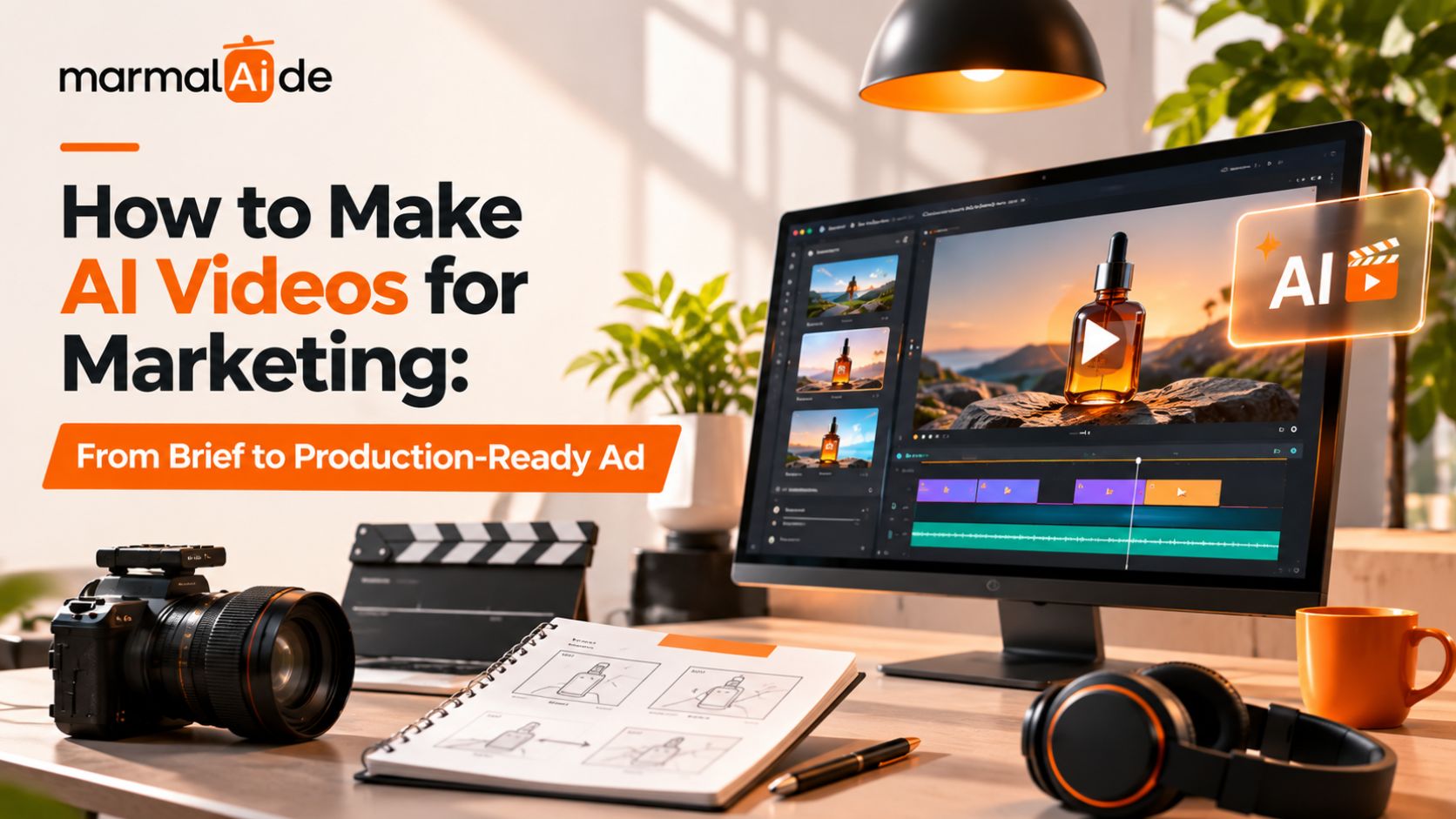
A good video ad needs to do three things: capture attention, communicate value, and encourage action. AI can help you produce the visuals faster, but the results still depend on your creative direction. Does your concept fit the campaign? Do the generated scenes support the message? Will viewers recognize your product and understand its value?
Knowing how to make AI videos for marketing means combining creative strategy with a reliable AI video creation process. When you understand how to create AI videos and how to generate videos with AI, you can turn campaign briefs into polished ads while keeping the message, visuals, and brand identity aligned.
This article breaks down how to make AI videos step by step, from the initial brief to realistic video generation, editing, and production-ready delivery.
What Can AI Video Creation Do for Marketing?
AI tools can help marketers write scripts, generate images, animate scenes, create voiceovers, and produce video variations. Some tools handle several of these tasks, while others focus on one part of production.
For example, a skincare brand could use AI to develop ad concepts, generate lifestyle scenes, animate product visuals, and create alternate versions for different audiences. The team would still need to check the product details, edit the footage, and approve the final ad.
AI video creation works best when marketers use it to solve a specific production need. It can support performance creative strategy by making it easier to explore different hooks, messages, and creative directions.
How to Prepare a Brief for AI Video Production
Before learning how to generate AI videos, define what the ad needs to communicate. A detailed brief gives the script, prompts, and visuals a shared direction.
Include these details:
- Campaign goal: Choose one primary outcome, such as awareness, traffic, leads, or sales.
- Audience: Define who the ad needs to reach and what matters to them.
- Product message: Identify the main benefit and any supporting details.
- Offer: Include the price, discount, launch information, or other relevant terms.
- Format: Specify the platform, aspect ratio, duration, and placement.
- CTA: Decide what viewers should do after watching.
- Brand assets: Gather product images, logos, approved fonts, colors, and reference videos.
For example, a brief for a skincare ad might ask for a 20-second vertical video that introduces a moisturizer, highlights its lightweight texture, and directs viewers to shop. It should also specify the exact packaging and product claims the creative must preserve.
This brief becomes the reference point for every production decision. It also helps the team reject attractive visuals that don’t support the campaign.
How to Make AI Videos Step by Step
This AI video creation tutorial breaks the workflow into practical stages, showing how to generate videos with AI, refine the output, and prepare the finished ad for publication. Follow each step to understand the AI video creation step by step process.
Step 1: Write the Script and Hook
Start with the opening line or visual that gives viewers a reason to keep watching. Follow it with the product’s main benefit, supporting information, and CTA. Keep the script focused on one message. A short product ad rarely needs every feature, company detail, or selling point.
For example, a skincare ad could open with a close-up of the product’s texture, introduce its main benefit, show the product in use, and finish with a shopping CTA. Treat this as a creative direction, not a promise that the product delivers a particular result.
Read Marmalaide’s guide to AI video ads for Shopify brands for more context on product-led video creative for ecommerce.
Step 2: Build the Storyboard and Write Prompts
Break the script into individual scenes before generating footage. For each scene, describe the subject, setting, action, camera angle, lighting, and visual style.
A useful prompt specifies what should appear and how it should move. For example:
A close-up of the supplied moisturizer jar on a clean bathroom counter, soft morning light from the left, a slow camera push-in, realistic reflections, a neutral background, and a vertical composition. Preserve the original packaging, label, logo, and product proportions.
Use reference images when the scene needs to match a real product, person, or existing brand style. Save approved prompts and references so later scenes follow the same direction.
Step 3: Generate Images and Video Clips
Use an image generator to create or refine still visuals when you need more control over composition. Then use text-to-video or image-to-video generation to animate suitable scenes. Generate short clips for individual shots rather than relying on one prompt to produce the entire ad. This gives you more control over camera movement, scene changes, and product details.
Review several outputs before choosing a clip. Reject footage with distorted packaging, invented text, inconsistent lighting, or movements that don’t fit the script. For teams that need multiple assets from a single campaign concept, Gen AI Video Content for Growth Marketing explores approaches to scaling creative production.
Step 4: Add Voiceover and Sound
Choose a voice that fits the brand and audience. Keep narration conversational, and make sure it adds information rather than describing every visible action. Add music and sound effects only where they support the scene. Check that the narration remains clear and that sound changes don’t distract from the product message.
Before using generated voices, music, or third-party audio, check the relevant commercial usage terms. Obtain permission when a voice or recording belongs to another person.
Step 5: Edit the Ad
Bring the selected clips into a video editor and arrange them according to the script. Remove redundant shots, shorten pauses, and give important product details enough time on screen. Add captions, approved brand elements, and the CTA. Check that the text remains readable on a phone and doesn’t sit beneath platform controls.
If the ad uses a creator-style format, keep the delivery natural. Marmalaide’s guide to multi-format UGC video platforms is relevant when adapting creator-style content for different placements.
Step 6: Export the Final Video
Export the finished edit in the format required by the target placement. Check the resolution, aspect ratio, frame rate, file type, audio levels, and caption placement. Watch the exported file from beginning to end. Don’t rely only on the editing timeline; rendering can reveal issues with text, audio, or transitions that weren’t obvious during editing.
How to Make Realistic AI Videos That Match Your Product
Realistic AI videos need more than convincing lighting or smooth camera movement. The product, branding, and scene details must remain accurate enough for the ad’s purpose.
Use these checks during production:
- Preserve the original product: Use approved product images as references. Don’t rely on AI to recreate fine packaging text or logos accurately.
- Keep scenes consistent: Reuse reference images and describe the same environment, lighting, and visual style across shots.
- Inspect motion: Check hands, faces, reflections, object movement, and contact between people and products.
- Review screen content: If the ad shows an app or website, use real interface captures where accuracy matters. AI-generated text and interface details can be unreliable.
- Correct individual shots: Regenerate or replace a faulty clip instead of rebuilding the entire video when only one scene needs work.
Creators discussing AI ad workflows on Reddit have raised similar concerns about keeping people, products, lighting, and app interfaces consistent across multiple clips.
Which AI Video Tools Should Marketers Use?
Choose tools based on the task, not just the number of features they advertise.
| Task | What to look for |
| Scriptwriting | Control over tone, length, audience, and message |
| Image generation | Reference-image support and reliable product composition |
| Video generation | Control over movement, camera direction, and scene duration |
| Voice and sound | Natural delivery, audio control, and clear usage rights |
| Editing | Timeline control, captions, audio mixing, and flexible exports |
Some platforms generate short clips rather than complete ads. Others combine scriptwriting, visuals, voiceovers, and editing in one workflow. Check what the tool actually exports before building your process around it. Marmalaide’s overview of AI video ad platforms and how to choose them can help teams compare options for campaign production.
What Should You Check Before Publishing an AI Video Ad?
Use this checklist before approving the final file.
- The opening communicates a clear reason to watch.
- The script matches the approved campaign brief.
- Product visuals, packaging, and labels are accurate.
- Every scene maintains acceptable visual continuity.
- Product claims and supporting information are verified.
- Music, voices, footage, and other assets have appropriate usage rights.
- Captions and on-screen text are readable.
- The CTA matches the destination and offer.
- The exported file meets the platform’s requirements.
Then measure the ad against its objective. Early-view retention can help assess the opening, click-through rate can show whether the creative prompts action, and conversion rate can indicate whether the traffic leads to the intended outcome. Use the results to decide what to test next. If viewers leave early, review the opening. If they watch but don’t click, examine the offer, message, and CTA.
How Can Marmalaide Support Your Video Advertising Needs?
Marmalaide combines filmmaker-led creative direction with generative AI to produce campaign-ready video ads and creative assets. Its team manages production from concept development and scripting to editing, review, and delivery.
Its services include:
- AI UGC ads for product promotions and paid social
- Product and explainer videos for launches and customer education
- Founder and brand story videos for brand-led campaigns
- Video cutdowns and creative variations for different channels and placements
- Static ads and carousel creatives for multi-channel campaigns
Marmalaide offers subscription plans alongside full creative services, giving marketing teams a managed way to produce assets without coordinating separate resources for each stage.
Related reading: AI Ad Creatives for Apps
Get Your First Set of Campaign Creatives with Marmalaide
Marmalaide’s $1,999 Pilot includes a 30-second master commercial, two 10–15-second cutdowns, and two static ads or posts. It also covers adaptations for different channels, campaigns, SKUs, and geographic targets.
The Pilot helps your team assess the deliverables and production process before moving to ongoing production.
Start with the Marmalaide Pilot
FAQs
How do you keep the same product consistent across AI-generated scenes?
Use approved product images as references and keep product descriptions consistent. Check labels, colors, proportions, and packaging in every clip, replacing inaccurate details with original assets when needed.
What is an AI video generation tutorial?
An AI video generation tutorial explains how to create videos using text prompts, images, or reference clips with AI tools.
Should you generate an entire ad with one prompt or create separate clips?
Separate clips offer more control over the opening, product demonstration, and CTA. This approach also makes it easier to replace faulty shots without regenerating the entire ad.
How can you show an accurate app interface in an AI video?
Use genuine screen recordings or approved interface captures. AI may distort text, labels, and interface elements, so use actual footage for screens viewers need to read.
Can AI-generated videos be used in paid advertising?
Yes, provided they meet platform policies, advertising laws, intellectual property requirements, and applicable disclosure rules. Check the requirements for your target market and platform before publishing.
Why does an AI video look realistic in one shot but different in the next?
AI may interpret prompts differently across generations. To make realistic AI videos, reuse reference images, keep scene descriptions consistent, and check lighting, clothing, product details, and camera style before editing.