Your brand has a strong product, a clear message, and polished visuals. But if the ad takes too long to communicate its value, viewers may scroll past before they understand the offer. Does the opening grab attention? Do the visuals explain the product? Does every animation serve a purpose?
Effective motion graphics in advertising make ads easier to follow. They highlight key benefits, simplify complex ideas, and guide viewers towards the next step without cluttering the screen.
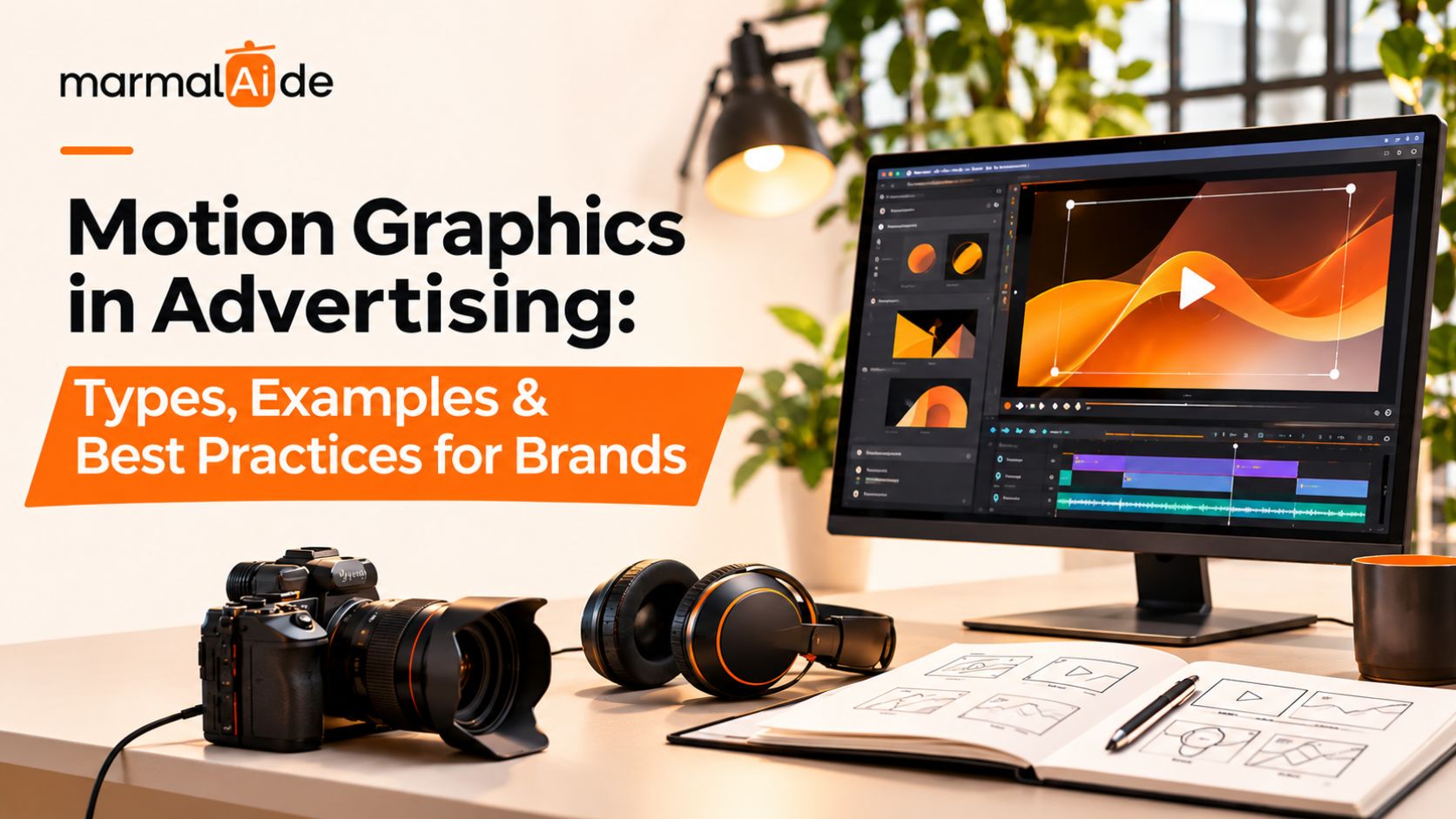
This article covers motion graphics in advertising, including types, examples, design techniques, social media applications, and best practices for brands.
Why Do Brands Use Motion Graphics in Advertising?
Brands use motion graphics when a static image can’t communicate the full idea or when a message needs a clearer visual sequence. Animation can show how a product works, draw attention to a key benefit, or make information easier to follow.
Common applications include:
- Product launches: Introduce a product, reveal its features, and highlight its main benefit.
- Brand identity: Animate logos, typography, and graphic elements used across campaigns.
- Product education: Explain a process or feature through diagrams and visual demonstrations.
- Promotional ads: Present prices, discounts, launch dates, and limited-time offers.
- Performance marketing: Create different versions of an ad to test messages, product angles, and CTAs.
Effective motion graphics for advertising connect each visual to a campaign goal, whether that’s explaining a product feature or highlighting an offer. A clear performance creative strategy helps teams choose the right message and format for each audience.
What Are the Different Types of Motion Graphics?
The types of motion graphics range from simple text animation to detailed 3D product visuals. The right choice depends on what viewers need to see or understand.
Kinetic typography
Kinetic typography uses movement to emphasize words. Text can enter in sequence, change size, or follow the rhythm of a voice-over. For example, a fitness brand could reveal one benefit at a time while showing the product in use. Keep each line short enough to read without pausing the video.
Best for: Offers, product benefits, campaign headlines, and short social ads.
Logo and brand animation
Logo animation brings a brand mark or visual identity to life. A logo might appear through a simple reveal, assemble from graphic shapes, or transition into the next scene. Keep the treatment consistent with the brand’s existing identity. The animation should make the logo easier to recognize, not transform it beyond recognition.
Best for: Campaign end cards, brand introductions, product launches, and recurring video formats.
Explainer graphics
Explainer graphics use icons, diagrams, labels, and illustrations to communicate a process. They can break a complex idea into smaller visual steps. A project management platform, for example, could animate a task moving from assignment to completion. That sequence can explain the workflow faster than a paragraph of copy.
Best for: Software, financial services, technical products, and educational campaigns.
Product animation and callouts
Product motion graphics draw attention to specific features. Labels can identify ingredients, components, dimensions, or functions, while animated highlights guide the viewer toward a detail. Keep the product at the center of the composition. Don’t let effects, labels, or transitions hide the feature the ad needs to demonstrate.
Best for: Beauty, electronics, consumer goods, and product demonstrations.
Infographic motion graphics
Infographic animation combines moving charts, numbers, icons, and comparisons. It works when a campaign needs to communicate data or show a change over time. Use accurate figures, clear labels, and a readable pace. Avoid animating every number at once, as that can make the information harder to follow.
Best for: Research-led campaigns, business software, financial services, and reports.
3D motion graphics
3D motion graphics use depth, lighting, camera movement, and dimensional objects to create more detailed visuals. Brands often use them for product reveals, packaging visuals, and stylized demonstrations. The final visual must represent the actual product accurately. If the render changes the packaging, materials, or proportions, it can mislead customers.
Best for: Products where shape, finish, or construction plays an important role.
Motion graphics animation can bring these concepts to life through moving text, product details, and visual demonstrations. For more ideas on scaling campaign creative, read Marmalaide’s guide to generative AI video content for growth marketing.
Motion Graphics Examples for Different Brand Goals
Motion graphics ideas become easier to evaluate when you start with the message the campaign needs to deliver.
| Brand goal | Example creative | What the viewer should understand |
| Introduce a new product | Product reveal with animated labels | What the product is and why it matters |
| Explain a skincare formula | Ingredient names appear beside the product | Which ingredients or benefits the brand wants to highlight |
| Promote a discount | Price and offer animate into view | What the offer includes and when it applies |
| Explain a digital service | Animated interface and process diagram | How the service works |
| Build brand recognition | Consistent logo animation and typography | Which brand the content represents |
| Compare product options | Animated feature-by-feature comparison | How the options differ |
These examples show how motion graphics for brands can serve different purposes. Motion graphics ideas help brands match each creative format to a specific advertising goal. For ecommerce campaigns, AI video ads for Shopify brands offer examples of how product-focused creative can support digital campaigns.
How to Create Motion Graphics That Fit Your Brand
The strongest motion graphics start with a message, a visual plan, and a clear idea of where the finished asset will appear. Use this process to plan the creative before production begins.
1. Define the message
Write one sentence describing what viewers should understand after seeing the ad. Use it to decide which information belongs in the animation and what you can remove. A product launch may need the product name and one main benefit. A feature-led ad may need a short demonstration instead.
2. Map the visual sequence
Plan what appears first, what follows, and how the ad ends. A simple storyboard can show the opening, product reveal, supporting details, and CTA. This also helps identify unnecessary scenes before the team spends time animating them.
3. Establish the visual hierarchy
Choose which elements deserve the most attention. The product, headline, offer, and CTA should not all compete for the same visual priority. Use contrast, spacing, size, and movement to guide the eye through the message.
4. Apply the brand system
Use approved colors, typography, logos, illustrations, and image treatments. Motion graphics design should feel connected to the brand’s other campaign assets, even when the format changes.
5. Animate with restraint
Use movement to introduce information, demonstrate a feature, or connect scenes. Avoid adding effects simply to make the video look busier.
6. Review the final asset
Check text readability, product accuracy, timing, audio, captions, logo placement, and the CTA. Preview the animation on a mobile screen before approving it for social media.
Motion Graphics Best Practices for Advertising
A well-designed animation can still fail if viewers can’t follow the message or understand what to do next. Apply these motion graphics best practices before publishing.
- Keep the opening relevant: Introduce the product, problem, or offer without a long animated intro.
- Use movement to guide attention: Animate the element viewers need to notice next.
- Limit competing elements: Avoid filling the screen with several moving objects and text blocks.
- Keep text readable: Use clear typography, sufficient contrast, and enough display time.
- Protect product accuracy: Review labels, packaging, proportions, and any claims shown in the animation.
- Make the CTA specific: Tell viewers whether to shop, sign up, learn more, or take another defined action.
- Adapt the creative to the placement: Rework the composition for each aspect ratio instead of cropping a finished animation and hoping it fits.
- Test alternatives: Compare different openings, benefit messages, and CTA treatments to see which creative supports the campaign goal.
These motion graphics techniques help maintain clarity while giving the creative enough movement to hold attention. For more on connecting visual execution with brand messaging, read Marmalaide’s guide to AI and brand storytelling. Brands looking to make their video creative more interactive can also explore interactive video advertising strategies.
How to Use Motion Graphics for Social Media
Motion graphics for social media need to fit the platform, screen size, and viewing context. An animation designed for a website banner may not work as a vertical video ad because the composition, text size, and timing need to change.
Before publishing, check the following:
| Element | What to consider |
| Format | Use the aspect ratio required by the placement |
| Opening | Show a relevant message or visual early |
| Typography | Keep text readable on mobile screens |
| Pacing | Give viewers time to understand each key point |
| Captions | Make spoken content accessible without sound |
| Safe zones | Keep essential text and logos clear of platform controls |
| CTA | Leave enough time for viewers to read the next step |
A brand can reuse the same campaign concept across Reels, Stories, Shorts, and feed ads, but each version should suit its placement. Brands using creator-style videos alongside animated content can explore multi-format UGC video platforms for ideas on adapting creative across placements.
For Instagram campaigns, explore AI-generated content for Instagram to see how brands can develop content for the platform.
How Can Brands Measure Motion Graphics Performance?
Evaluate the ad by its objective rather than its visual complexity. A brand awareness campaign and a product conversion campaign may need different measures of success.
Track relevant metrics such as:
- Early-view retention: Shows whether viewers stay beyond the opening.
- Video completion rate: Indicates how many viewers reach the end.
- Click-through rate: Measures how often viewers click after seeing the ad.
- Conversion rate: Tracks how often clicks lead to the desired action.
- Cost per acquisition: Measures the cost of acquiring a customer or lead.
Use these results to identify what needs work. Weak early retention may point to an unclear opening. Strong viewing numbers but few clicks may indicate a mismatch between the message, offer, and CTA.
Test one meaningful creative change at a time where practical. This makes it easier to learn whether the opening, product demonstration, message, or CTA influenced the result.
How Marmalaide Helps Brands Scale Motion Graphics Production
Brands often need several creative versions for different audiences, products, and placements. Producing every asset separately can slow down campaign testing.
Marmalaide combines filmmaker-led creative direction with AI-assisted production and human review to create video, UGC-style, static, motion, and campaign variation assets. Teams can develop different hooks, messages, formats, and CTAs from a core concept while maintaining brand and product checks.
Explore Marmalaide’s AI Ad Creative Production Services to see how the team supports campaign-ready creative production.
FAQs
What are motion graphics?
Motion graphics are animated graphic elements such as text, shapes, icons, logos, and illustrations. Brands use them to communicate information and support advertising messages.
What is the difference between motion graphics and motion design?
Motion graphics usually refers to animated graphic content. Motion design is the broader practice of planning how visual elements move and interact across videos, interfaces, and other digital experiences. The terms often overlap.
Which motion graphics are best for advertising?
Kinetic typography suits short headlines and offers. Product callouts highlight features, explainer graphics simplify complex services, and 3D motion graphics help present products with more depth. Choose the format that best communicates the campaign message.
Can motion graphics work without sound?
Yes. Use clear text, visual demonstrations, and captions so viewers can understand the main message without audio. Sound can support the experience, but it shouldn’t carry essential information on its own.
What software is used for motion graphics?
Common tools include Adobe After Effects for motion design, Blender and Cinema 4D for 3D work, and video editors such as Adobe Premiere Pro for assembling and finishing footage. The right tool depends on the format and production requirements.
Are motion graphics expensive to produce?
Costs depend on the complexity of the animation, the number of scenes, the assets required, and the number of versions. Simple text animation usually requires less production work than detailed 3D product animation.
How can brands make motion graphics more effective?
Start with one clear message, establish a strong visual hierarchy, keep the brand identity consistent, and make the CTA easy to understand. Test the finished creative against the campaign objective instead of judging it by appearance alone.